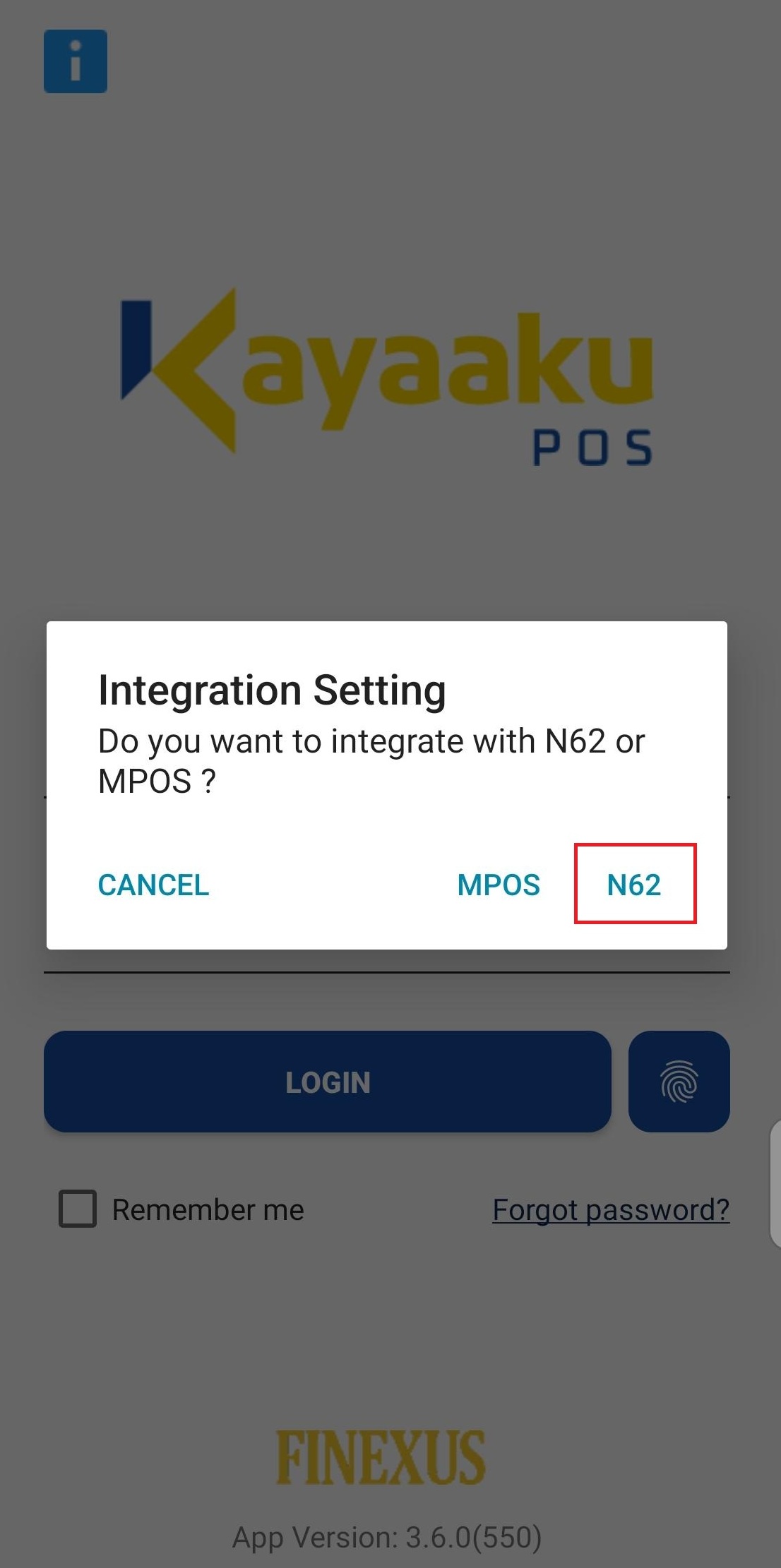
Device Connection
Step 1 : Configure payment terminal device for App-to-App integration
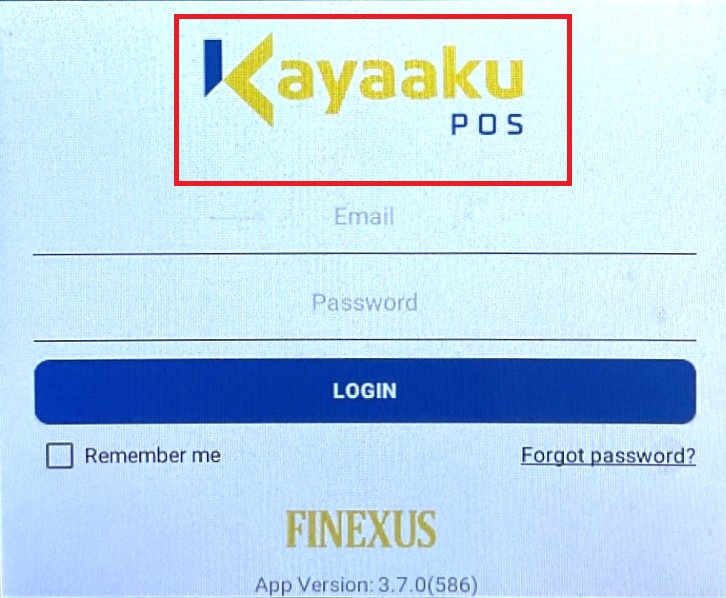
In the payment terminal device, press and hold the KayaakuPOS logo for more than 3 seconds.
Enable App-to-App integration mode.
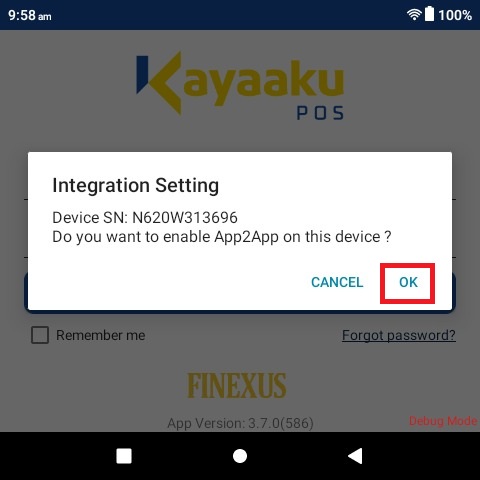
Step 2 : Enable App-to-App integration mode
In the KayaakuPOS app in the merchant's device, press and hold the KayaakuPOS logo for more than 3 seconds.
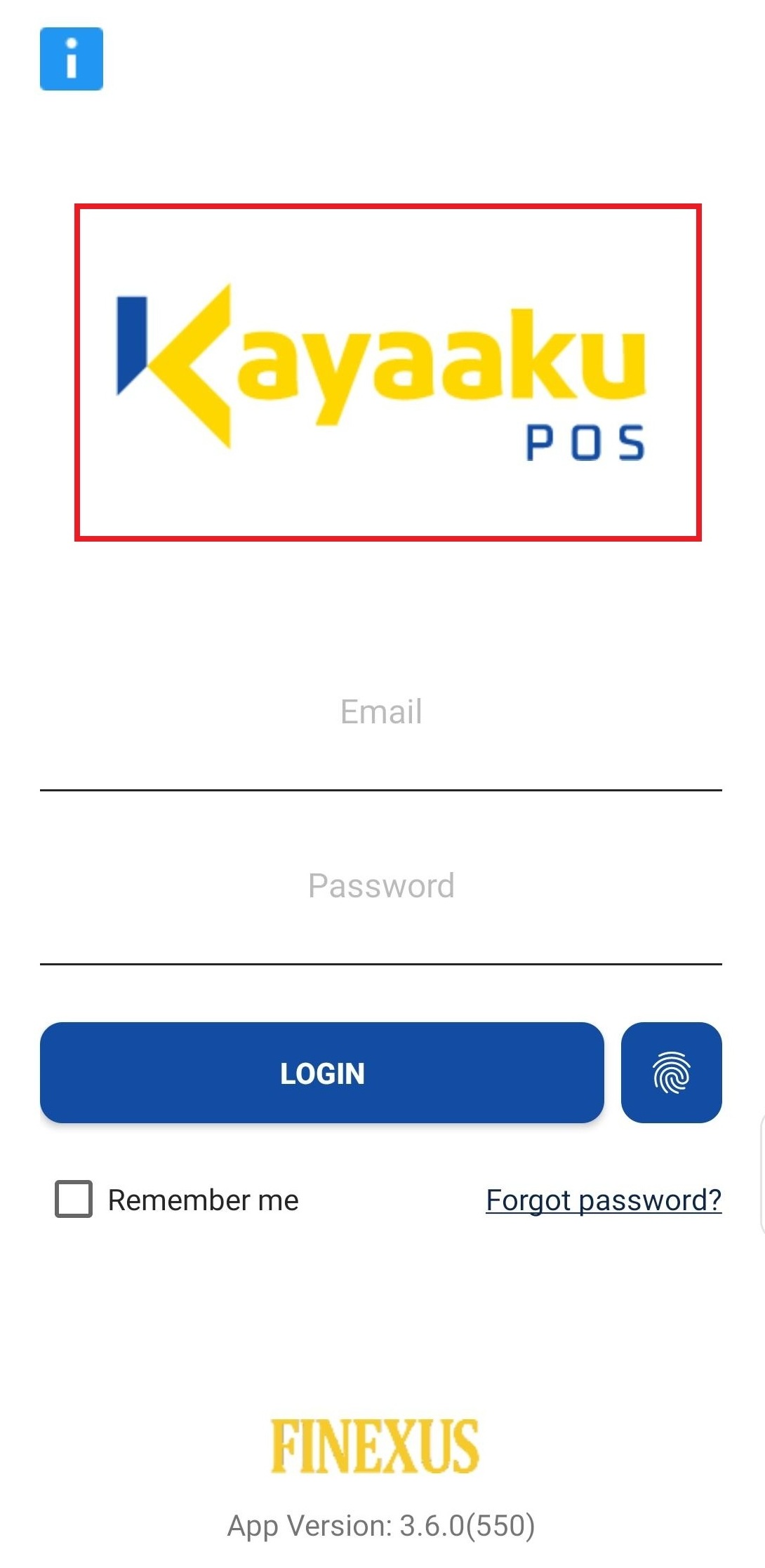
Configure it to enable App-to-App integration mode and select the payment terminal device.